Search results
Press Start Extracting on any search. MapExporter scrolls the results list at a human pace and collects each listing as it loads.
Open any Google Maps search or business page and grab what is publicly shown there — business data, reviews, photos and contact details. Everything exports to CSV or JSON, right from your browser.
The extension at a glance
The MapExporter panel appears right on Google Maps. Search results, business pages and saved lists each get the right extraction mode — no copy-paste, no tab juggling.
Press Start Extracting on any search. MapExporter scrolls the results list at a human pace and collects each listing as it loads.
On a business page, the Reviews & Photos tab pages through reviews and photo albums — reviews export with 11 columns, photos as URL lists.
Open a saved list and press Start once. MapExporter opens each place in turn and collects it — no per-item clicks.
One extraction schema across search results and business pages, tuned against the current Google Maps interface and updated remotely when Google changes.
Cardamom buns sell out by ten — worth the early alarm.
Great sourdough and friendly staff. Seating is tight at lunch.
Best croissant I’ve had in the city. Two photos attached.
Paste up to 500 keywords or review URLs into one task. MapExporter walks through them item by item with live progress, skips anything that stalls, and exports automatically when the task finishes.
Settings and results are stored locally. Our servers only handle remote configuration, account and quota status, optional email and social enrichment, and minimal usage logs.
Download the ZIP here and follow the steps for your browser. Chrome, Edge and Brave load the unpacked folder. Firefox uses a separate temporary add-on that must be reloaded after a restart. Click any image to view it full size.
Choose the ZIP for your browser. Extract it to a folder you keep, then load it using the guide below. To update, download a new ZIP, replace the files in that folder and reload the extension.
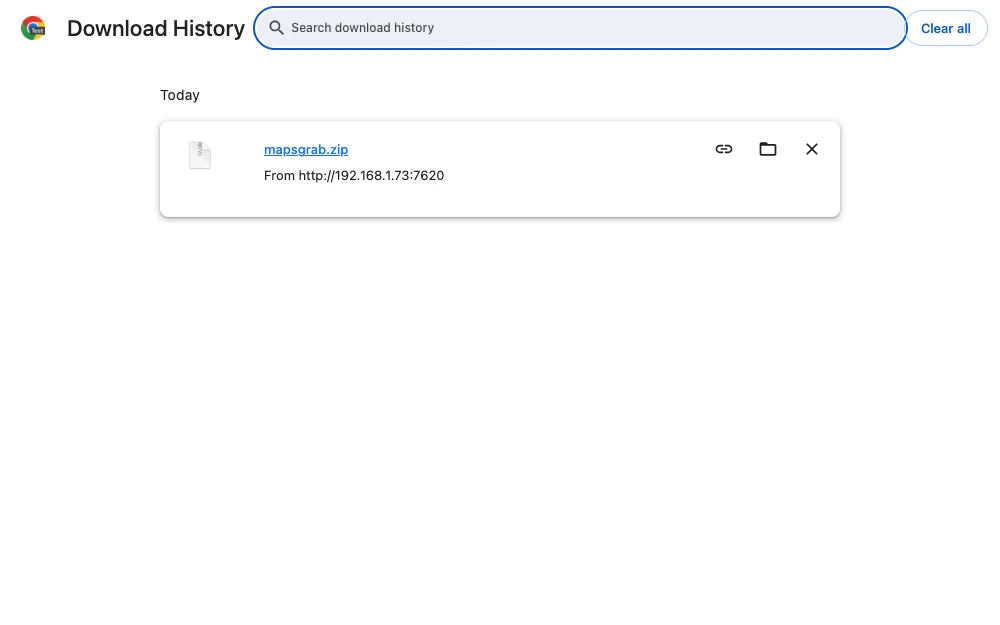 01
Download mapexporter-0.1.7.zip. On Windows, right-click it and choose “Extract All”. On macOS, double-click it. Keep the extracted folder.
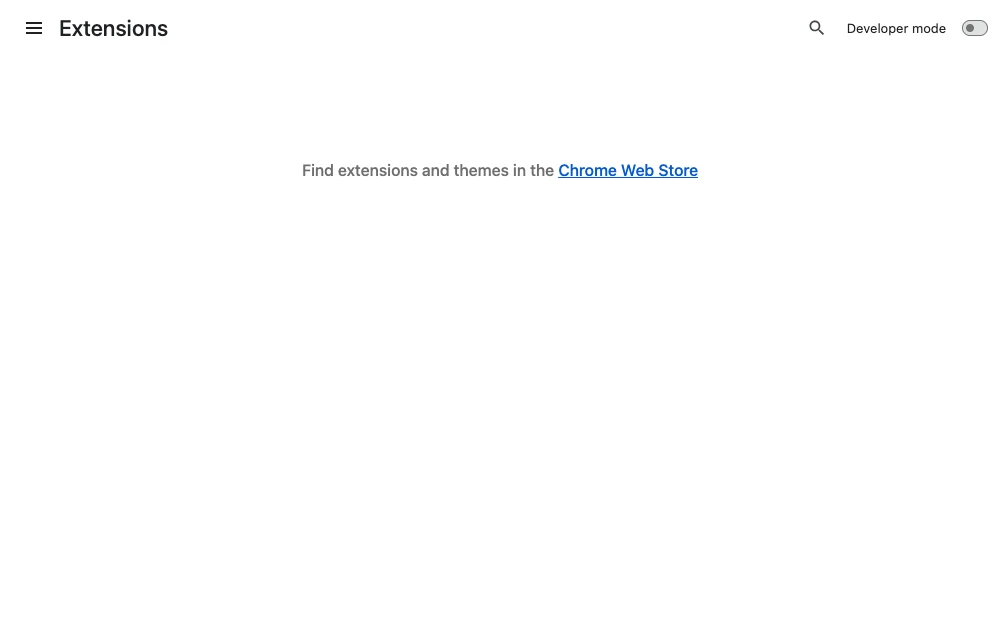 02
Open chrome://extensions in Chrome, edge://extensions in Edge, or brave://extensions in Brave.
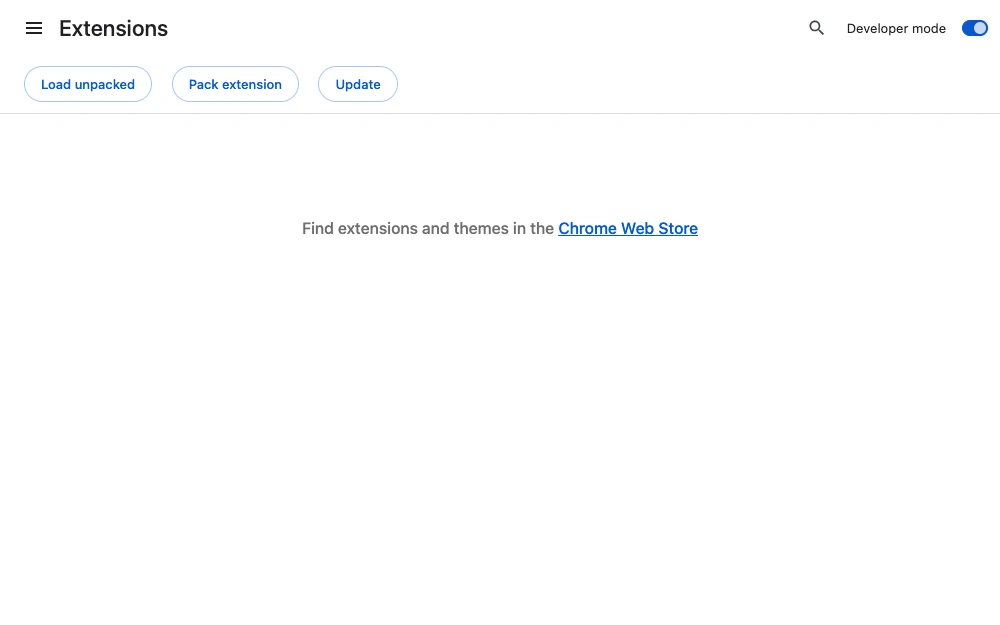 03
Turn on Developer mode on the extensions page. In Chrome, the switch is at the top right.
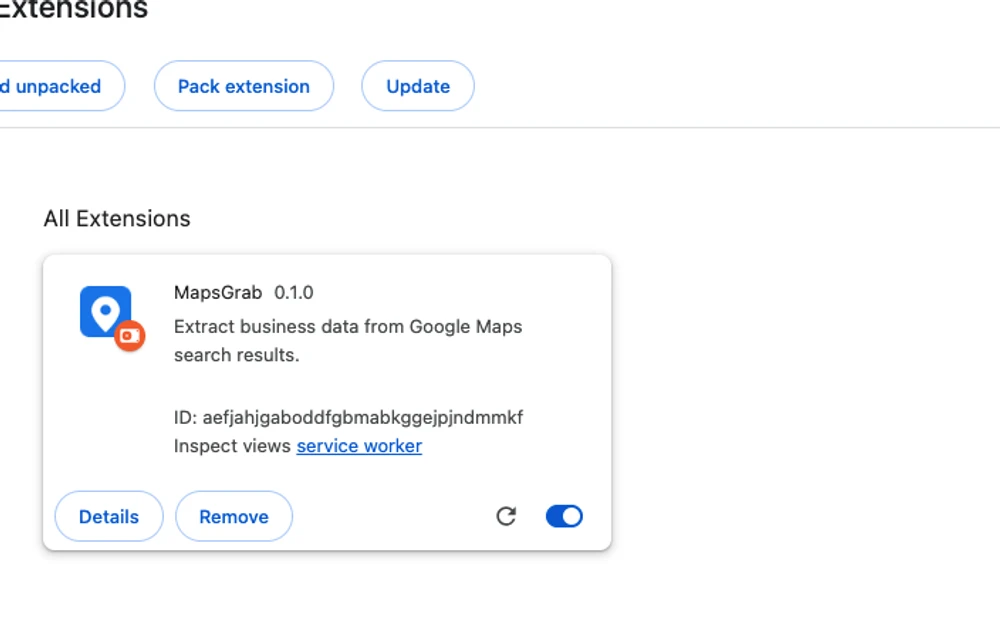 04
Click “Load unpacked” and select the extracted folder. MapExporter appears in the extensions list. Open a Google Maps search to use it.
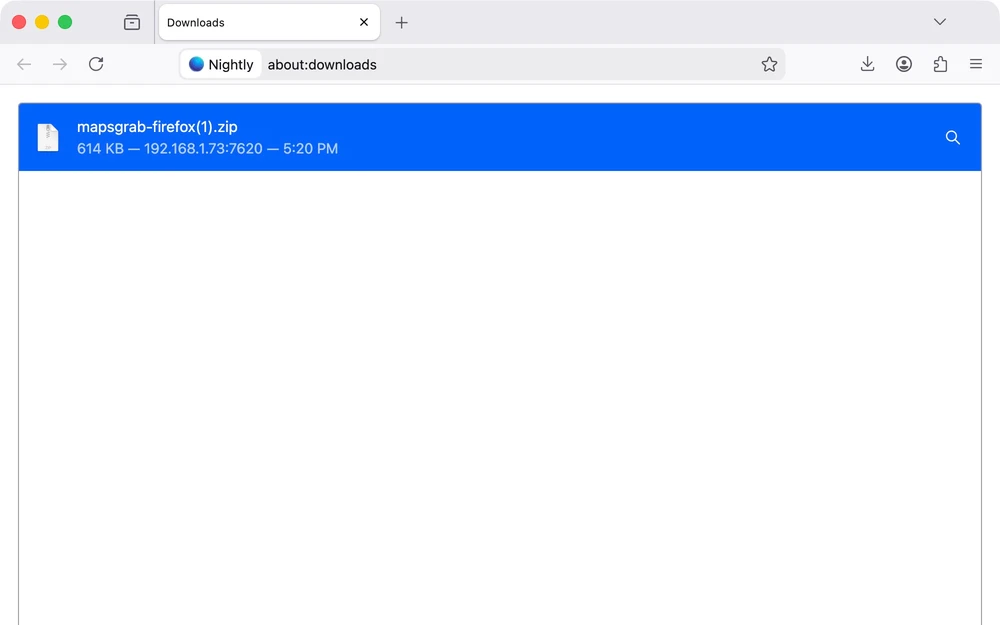 01
Download mapexporter-firefox-0.1.7.zip. On Windows, right-click it and choose “Extract All”. On macOS, double-click it. Keep the extracted folder.
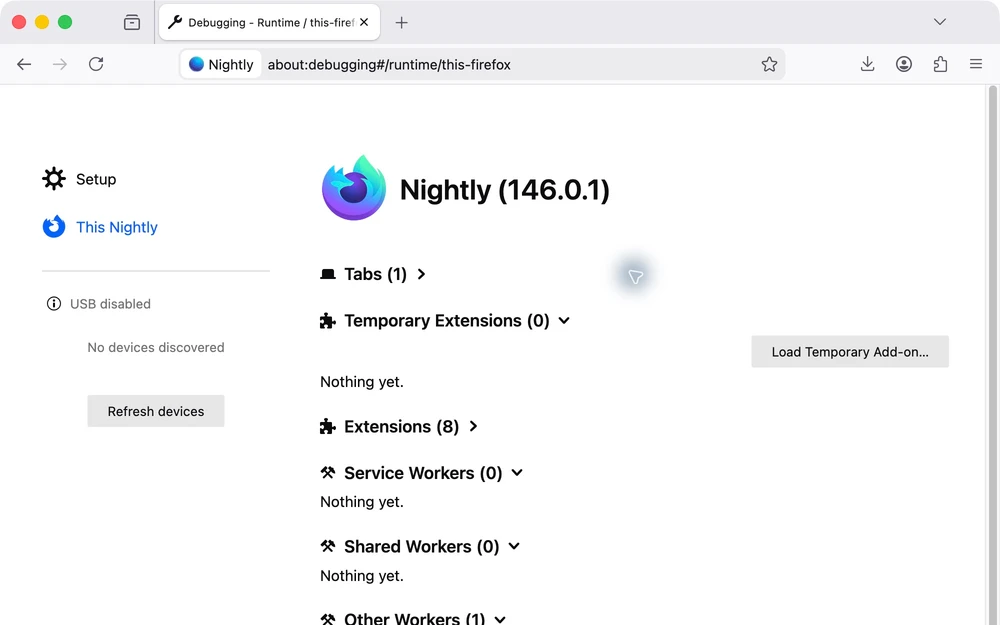 02
Navigate to about:debugging, then select your browser in the left sidebar.
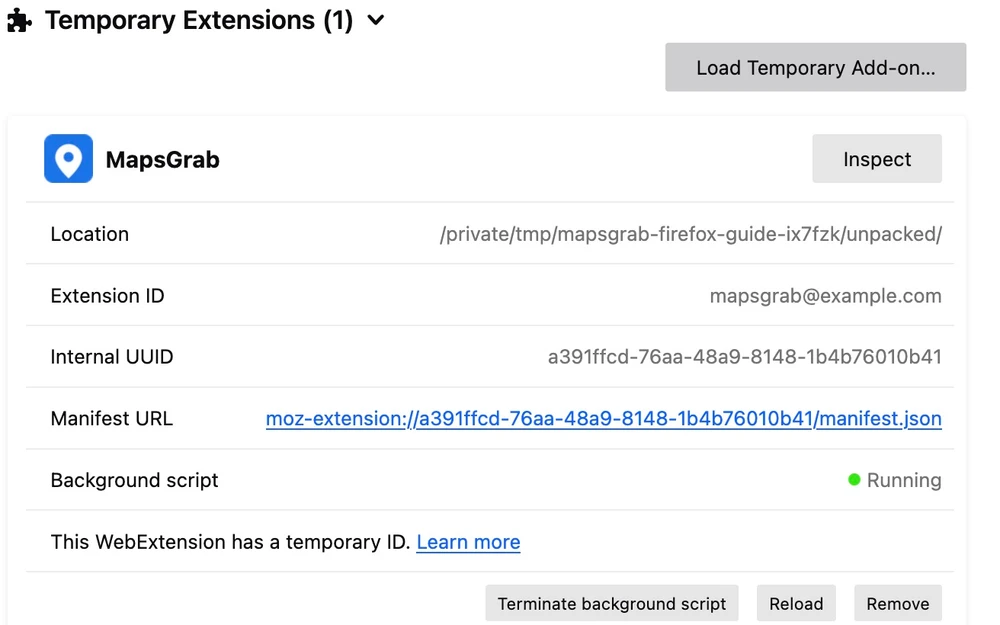 03
Click “Load Temporary Add-on…” and pick manifest.json inside the unzipped folder. A temporary add-on unloads when Firefox restarts; repeat this step to load it again.
Every row the extension collects — a business, a review or a photo — counts as one record. All plans include reviews, photos and batch tasks; paid plans export all 36 columns, including email and social enrichment, with a larger monthly volume.
Monthly usage resets on the 1st in New York time; unused records do not roll over. Compare all plans
The short answers. Anything else, support is one email away.
Contact supportYes. The extension works without an account and includes 1,000 records every month. Paid plans on the Pricing page add all 36 columns with email and social media enrichment, and raise the monthly volume.
Chrome, Edge, Brave and other Chromium browsers load the unpacked ZIP downloaded here. Firefox has a separate ZIP for temporary loading; reload it after each browser restart. Follow the installation guide above.
No. Core extraction works without an account. Quota is counted per signed-in account, or per browser device when you are not signed in — sign in with the account that owns a plan so its higher volume applies.
Each row the extension collects counts as one record: a business from a search or saved list, a review, or a photo. Email and social enrichment does not add records.
Extraction rules ship as remote configuration, so fixes reach the panel without reinstalling the extension. If a page can’t be read, the panel shows an error instead of failing silently.
Your settings and results are stored locally in your browser. Our servers only handle remote configuration, account and quota status, optional email and social enrichment, and minimal usage logs.
MapExporter only collects information that is publicly displayed on the Google Maps pages you visit — the same details any visitor can read. We do not access private accounts, gated content, or non-public data.
Install the extension, search Google Maps, and export a clean spreadsheet — no account required.
Free monthly quota included. No credit card.
Website Access
By signing in, you agree to the Terms Privacy Policy